
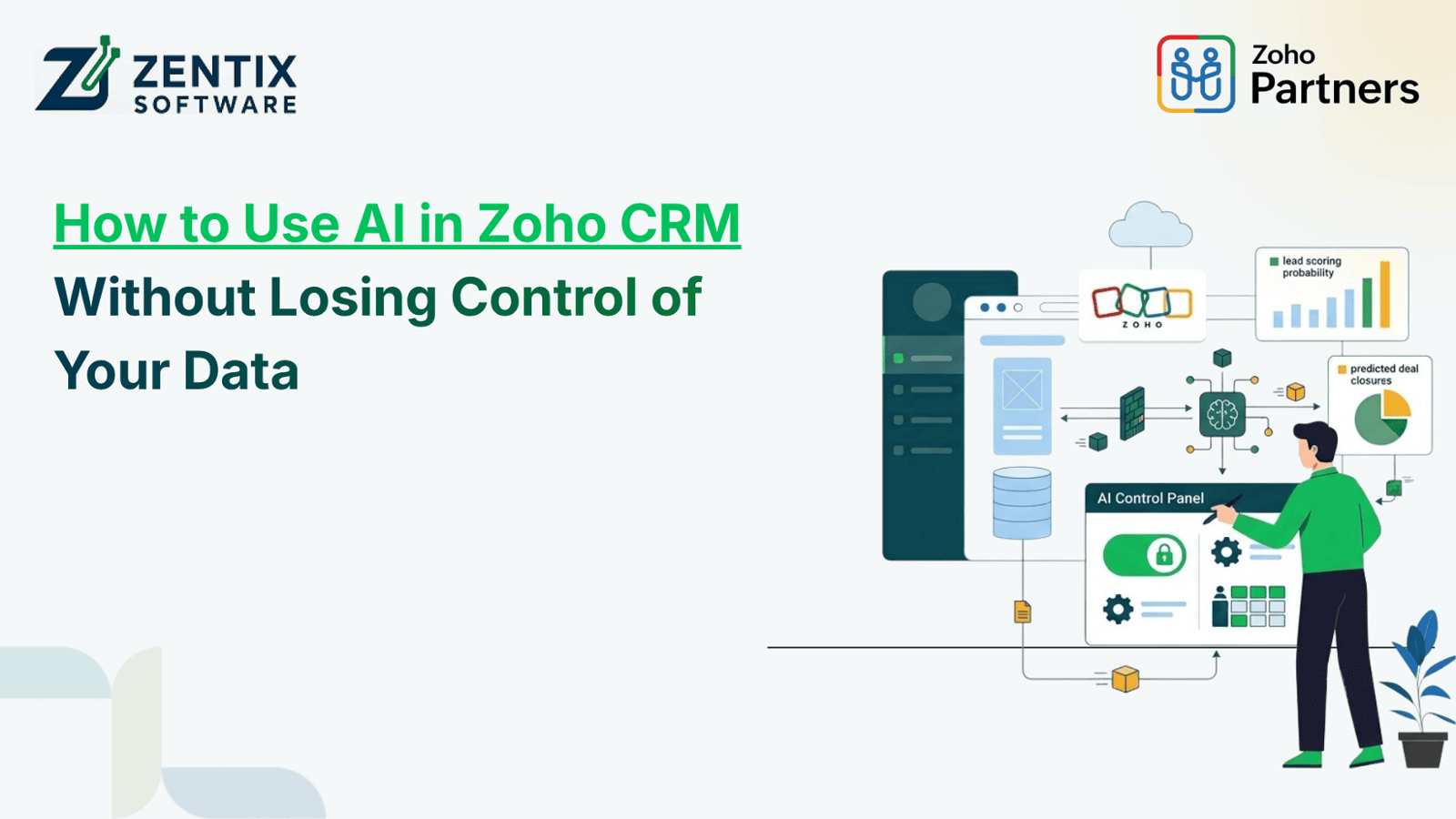
Artificial intelligence is changing how businesses handle customer relationships, look at sales data and do tasks. It can find customers, sum up what customers say and help teams work faster and make better choices. Using AI also brings up big questions. Who owns the data? Who can see it? How is it protected?
Businesses that use Zoho CRM can try out AI tools to help with work. Just turning on AI features isn’t enough. Companies need rules. What data can AI read? How is that data handled? When should people check what AI creates? These rules matter for safety and trust.
The goal is to use AI to support your team without compromising customer trust or business confidentiality. With the right configuration, Zoho AI can support intelligent automation while helping businesses maintain control over their data.
1. Understand How AI Uses Your CRM Data
Before you add AI to your CRM take time to understand what data it can reach and how each feature actually works. AI can help in ways. Like talking with customers, guessing sales results, summarising notes, ranking leads or automating tasks. Not every AI tool needs the same kind of data or permission.
For example, a tool that sums up customer notes might only need access to call logs or chat history. A different tool that looks at sales results across teams might need access to deal records and team performance data. So the data needed changes based on the job.
Start by listing the business tasks you want to improve with AI. Then check what data each task needs. Be careful. Don’t give AI access than it really needs. Only let it see what’s necessary.
Think about it: a sales assistant might need lead info and past deal records. A marketing automation tool might only need contact details. How people interacted with campaigns. If a task doesn’t need access, to reports or contracts don’t give it that access. Keep data locked away unless it’s truly needed.
2. Set Clear User Roles and Access Permissions
Access control is one of the important safeguards when introducing AI into customer management. Employees should have access to the records and functions that are required for each employee responsibilities. I recommend checking access control
Review the existing user roles, profiles, sharing settings and field-level permissions before deploying AI-related features. Pay attention to confidential information such as customer contracts, payment details, internal notes and commercially sensitive deal information. I suggest reviewing roles
A practical approach is to follow the principle of privilege: give users and connected tools only the access that users genuinely need. I find that following the principle of privilege keeps things safe.
For example a sales representative might be allowed to view assigned leads and update deal stages while avoiding access to records belonging to another department. I have seen sales reps succeed with access.
Also review permissions whenever employees change roles or leave the organization. Regular access audits help prevent access from continuing unnoticed. I see that audits catch hidden permissions.
3. Choose AI Features Based on Business Needs
Businesses do not need to enable every available AI feature at once. A gradual rollout makes it easier to evaluate performance, understand data requirements, and identify potential risks before expanding usage.
Start with a specific, low-risk use case, such as summarising sales activities or helping representatives prepare follow-up messages. Test the feature with appropriate records and confirm that the output is useful and accurate.
When evaluating zoho ai capabilities, consider three questions:
What business problem will the feature solve?
What information does it need to perform the task?
How will the business verify its results and monitor access?
Document the answers before moving into broader implementation. This creates a clear basis for measuring benefits and deciding whether a feature should be expanded, modified, or discontinued.
Read Next: How Zoho AI Agents Can Work Across Multiple Business Applications
4. Establish Rules for AI Agents and Automation
AI agents can help businesses perform multi-step tasks, interpret information, and support workflows. However, greater automation also makes it important to define boundaries around what an agent is allowed to do.
Before deploying Zoho Agents, establish which actions can be performed automatically and which require human approval. Reading a record or drafting a response may carry less risk than changing customer ownership, updating sensitive information, or initiating an external communication.
Consider using approval checkpoints for high-impact actions. For instance, an AI-assisted workflow could prepare a customer response for review instead of sending it automatically. Similarly, changes to important customer records can require confirmation from an authorized employee.
Businesses should also document the purpose of each agent, the records it can access, its permitted actions, and the person responsible for monitoring it.
These boundaries allow automation to improve productivity without giving systems unrestricted authority over business operations.
5. Review Data Privacy and Third-Party AI Processing
AI features can work differently depending on the product how it is set up and the service provider behind it. Because of this, businesses should not think that all AI features treat data in the way.
Before turning on any AI feature look at the privacy policy the product’s documentation, any contracts and the data-processing rules. Make sure you understand how data is used how long it is. If it might be used to improve the AI models.
If your organization deals with confidential information talk to the legal, compliance or IT team before using the feature. Their input is key to making sure rules are followed.
Also take a look at any external apps that connect with your system. These connections can bring in ways data moves beyond what happens inside the main CRM system.
Keep a list of all approved connections. Check it regularly to see if each connection is still needed. Remove any that are no longer used and keep the amount of data shared with services as small, as possible.
6. Keep Human Oversight in the Decision-Making Process
Generated content and recommendations can be helpful but they should not always be seen as correct. Missing information, old details and wrong understandings can make the results not good enough.
Employees need to check AI-generated messages to customers, sales ideas and changes that involve private information. This is very important when a choice might affect how customers feel agreements that are signed or money matters.
For instance, an AI-written message after a meeting might have the shipping date or talk about a service the customer did not buy. A quick check by a person can find these mistakes before the message is sent.
Make sure there are rules that say which results need to be checked who can give permission and how mistakes should be told about.
Having people watch over AI work also helps workers see what AI cannot do well. It makes them use AI as a helper, for decisions of letting AI take over their job.
Read Next: Zoho One Explained: How It Connects Your Entire Business in One Platform
7. Monitor Activity and Review AI Performance
Security is not a one-time setup. Businesses should regularly review how AI features and connected workflows are being used.
Where supported by the relevant product and configuration, use audit logs, access records, and workflow histories to investigate unexpected activity. Monitor changes to important records, unusual access patterns, and automation failures.
Review AI performance as well. Track whether generated summaries are accurate, whether automated tasks save time, and whether employees frequently need to correct the output.
Establish a review schedule that includes:
Checking user roles and access permissions.
Reviewing active integrations and automation rules.
Testing AI outputs against reliable source records.
Investigating unexpected actions or data-access issues.
Updating internal policies as business requirements change.
These checks help organizations maintain visibility into their systems while adapting their AI usage as requirements evolve.
8. Create a Practical AI Governance Policy
A written AI governance policy gives employees consistent guidance on using AI responsibly. It should explain approved tools, permitted data types, access restrictions, review requirements, and reporting procedures.
The policy should also address how employees handle confidential information when using AI-powered features. For example, staff should not copy sensitive customer information into unapproved external AI tools simply because doing so appears convenient.
Assign responsibility for reviewing AI-related changes. Depending on the organization, this may involve CRM administrators, IT security teams, department managers, or compliance professionals.
When evaluating Zoho CRM improvements, revisit the policy whenever new features, integrations, or automated processes are introduced.
A clear governance framework helps businesses balance productivity with accountability and makes it easier to scale AI adoption without losing sight of data protection.
Conclusion
AI can help businesses improve customer management, cut down work and see sales activities more clearly. These benefits rely on using AI inside security and governance limits.
Begin by identifying a business need. Check who can see the data. Test results that AI creates. Set rules that require approval for actions. Keep watching permissions, integrations and performance as the AI deployment expands.
The correct approach is not to skip AI. Instead bring AI into the workplace with planning, clear responsibility and proper safeguards. Companies that pair automation, with solid data governance can boost efficiency and keep the data that customers trust safe.
Make Your CRM Smarter Without Compromising Data Security
Planning to introduce AI into your CRM workflows? Zentix Softwarehelps businesses evaluate Zoho solutions, configure workflows, and implement automation aligned with their operational and security requirements.