
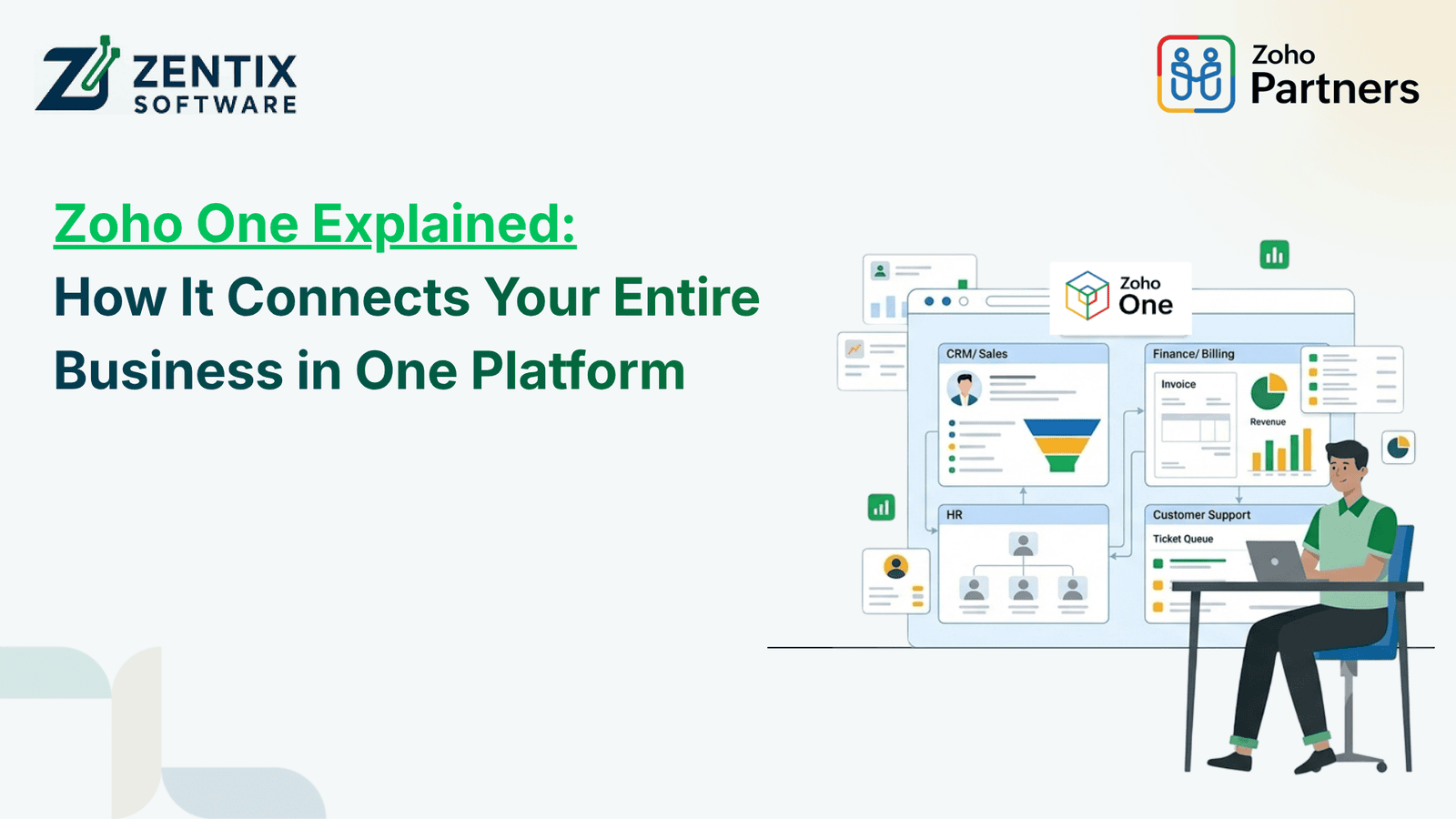
Running an enterprise is not a single function but rather a set of them, each of which performs its own activities. Thus, the company’s sales, finance, marketing, human resources, and customer support departments have their own tools for tracking invoices, expenses, leads, candidates, and customer service requests. However, a siloed approach to business leads to the inability to share data between applications, which increases the amount of administrative work.
Meanwhile, such a multi-functional platform as Zoho One allows you to organize and automate the work of an enterprise with a large amount of data. A single application can eliminate the need to exchange data between various tools and thus reduce the administrative burden on employees.
In addition, Zoho One offers specialized applications for different departments, including sales, finance, and customer service, as well as marketing automation, human resources management, legal assistance, and customer support.
What Is Zoho One?
Zoho One is an integrated suite of applications covering enterprise software categories including customer relations management, accounting, marketing automation, customer support, human resources, collaboration, analytics, and several other functions.
The key value proposition of Zoho One is focused on eliminating the complexity caused by disparate platforms. With Zoho One, businesses can choose the tools they want and set up integrations between them and establish end-to-end business processes that span multiple functions and require the involvement of more than one application.
For instance, when a deal is closed by a sales representative, an update should be sent to the customer database, an invoice produced and sent to the client, the delivery team notified, and the onboarding process initiated. All these actions can be automated through a Zoho suite if the proper tools are selected and interconnected in a proper workflow.
One of the key benefits that Zoho offers is that it provides a single view of the business and all the operations that it performs.
Read Next: Zoho Workflow Automation vs Manual Processes: Which Is Better for Growing Businesses?
1. Zoho Sales: Manage Leads and Customer Relationships
Sales teams need accurate customer information, timely follow-ups, and a clear view of their sales pipeline. Managing these activities through spreadsheets and separate communication tools can create gaps in the sales process.
Zoho CRM helps businesses organize leads, contacts, deals, activities, and customer interactions in one system.
Key capabilities include:
Lead and contact management to organize customer information.
Sales pipeline tracking to monitor opportunities at different stages.
Automated reminders and follow-up tasks to reduce missed opportunities.
Sales reports and dashboards to understand team performance.
Workflow automation to trigger routine actions based on defined conditions.
When sales information is connected with other business applications, teams can coordinate more effectively with finance and customer service. For example, once a deal reaches a particular stage, an automated workflow may notify the relevant team to prepare the next steps.
This helps businesses maintain a consistent process from the first customer inquiry through deal closure.
2. Zoho Finance: Connect Sales with Financial Operations
Financial information plays an important role in business decisions. However, when sales records, invoices, expenses, and payment information are maintained separately, reconciling data can become time-consuming.
Zoho's finance applications, including Zoho Books, help businesses manage accounting activities, invoices, expenses, payments, and financial reporting.
Depending on the applications and integrations configured, businesses can improve coordination between sales and finance through workflows such as:
Generating invoices from relevant customer or transaction information.
Tracking invoice status and outstanding payments.
Recording expenses and organizing financial transactions.
Reviewing revenue, expenses, and cash flow through reports.
Sharing relevant transaction information with connected business systems.
For instance, a sales team may need to know whether a customer has completed a payment before proceeding with the next step. Connecting the appropriate systems can make this information easier to access without repeated manual communication.
For organizations with broader operational requirements, Zoho ERP solutions and integrations can help connect financial activities with inventory, purchasing, and other business processes.
3. Zoho Customer Service: Deliver Consistent Support
Customer relationships do not end when a deal is closed. Businesses must also answer questions, resolve issues, manage complaints, and provide ongoing assistance.
Zoho Desk helps customer support teams organize incoming requests as tickets, assign them to the appropriate agents, monitor resolution progress, and maintain a record of customer interactions.
Its useful capabilities include:
Ticket management and prioritisation.
Automated ticket assignment and notifications.
Knowledge base resources for common questions.
Service-level agreement (SLA) tracking.
Reports for evaluating support performance.
Connecting customer service with CRM data can help support representatives understand a customer's history and previous interactions. This reduces the need for customers to repeat the same information across departments.
For example, if a customer contacts support about a recently purchased product, the team can use available connected records to understand the relationship and provide more relevant assistance.
A connected support process helps businesses improve response consistency and identify recurring customer problems.
4. Zoho Marketing: Turn Campaigns into Business Opportunities
Marketing teams use multiple channels to attract prospects, nurture leads, and maintain customer engagement. When campaign data is disconnected from sales records, it becomes harder to understand which activities generate valuable opportunities.
Zoho offers marketing applications such as Zoho Campaigns and Zoho Marketing Automation to support email campaigns, audience segmentation, customer journeys, and campaign performance tracking.
Businesses can use these tools to:
Create targeted email campaigns.
Segment audiences based on relevant customer information.
Automate follow-up communications.
Track campaign engagement and performance.
Coordinate marketing activities with sales teams.
For example, a prospect who engages with a marketing email may be added to a suitable follow-up journey. Based on the configured workflow and available integrations, the sales team can receive a notification when that prospect demonstrates interest.
Connecting marketing activities with CRM data also helps businesses maintain better visibility into the customer journey, from initial engagement to sales conversion.
5. Zoho HR: Simplify Employee Management
Employees are central to business operations, but HR teams often manage recruitment, attendance, employee records, onboarding, and leave requests through separate tools.
Zoho provides HR-related applications such as Zoho People for human resource management and Zoho Recruit for recruitment activities.
These applications can help businesses organize employee information and improve routine HR processes.
Common use cases include:
Managing employee records and organizational information.
Tracking leave requests and attendance, where configured.
Organizing recruitment activities and candidate records.
Streamlining employee onboarding.
Automating approvals and HR notifications.
Consider a growing company that hires several employees each month. HR may need to collect employee details, coordinate onboarding tasks, notify managers, and arrange access to internal resources.
With suitable workflows, these activities can be organized into a more consistent process. Integrations with other business applications can also help reduce repeated data entry, subject to the configured systems and permissions.
This allows HR teams to spend less time coordinating routine tasks and more time supporting employees.
6. Zoho Legal: Organize Contracts and Legal Workflows
Legal processes are important for businesses of every size. Contracts, approvals, renewals, compliance records, and document access need to be managed carefully to reduce operational risks.
Zoho-related tools and integrations can support parts of these workflows. For example, Zoho Contracts, where available and suitable for the organization's requirements, supports contract lifecycle management activities. Document management and workflow tools can also help organize related information and approval processes.
Businesses may use appropriate solutions to:
Organize contracts and related documents.
Coordinate contract reviews and approvals.
Track important dates and renewal reminders.
Control access to sensitive business documents.
Maintain more consistent documentation processes.
For example, a sales agreement may require review and approval before it is finalised. A configured workflow can notify the relevant stakeholders and help track the approval process.
Legal requirements vary by industry and jurisdiction, so software should support—not replace—professional legal review. Businesses should also confirm which legal applications, subscriptions, and integrations are appropriate for their Zoho environment.
7. How Zoho One Connects Different Departments
The real value of an integrated business platform becomes clearer when multiple departments need to work together.
Imagine a customer purchasing a service from a growing company. The process may involve several teams:
Marketing attracts the prospect through a campaign.
Sales records the lead in Zoho CRM and manages the opportunity.
Finance prepares invoices and tracks payments using the appropriate finance application.
Customer service manages questions and support requests through Zoho Desk.
HR and operations coordinate the employees responsible for delivering the service.
Legal reviews contracts and manages the necessary approvals.
Without connected systems, employees may need to share updates manually, maintain duplicate records, or follow up through separate communication channels.
With Zoho One, businesses can bring relevant applications together and configure integrations, permissions, and automation rules to support these processes. Not every workflow is connected automatically out of the box; the exact setup depends on the applications selected and the business requirements.
The goal is to establish a reliable flow of information so teams can collaborate with fewer unnecessary hand offs.
8. Why Businesses Choose Zoho One
Zoho One can be useful for organizations looking to simplify their software environment and improve coordination between departments.
Its potential benefits include:
Reduced tool fragmentation: Businesses can access a wide range of applications within one software ecosystem rather than managing every function independently.
Improved workflow automation: Repetitive tasks, notifications, and approval processes can be automated where supported.
Better information visibility: Appropriate integrations help departments access relevant information without repeatedly requesting updates.
Scalability: Businesses can configure their application setup as operational requirements change.
Centralised administration: Zoho One provides centralised management capabilities for supported users and applications, helping organizations manage access and administration more consistently.
However, successful implementation requires planning. Businesses should evaluate their existing processes, required applications, data migration needs, integrations, user permissions, and subscription requirements before choosing a configuration.
9. How to Get Started with Zoho One
A successful Zoho One implementation starts with understanding how the business operates rather than activating every available application immediately.
Here is a practical approach:
Identify operational challenges: Determine where teams experience repeated data entry, delays, disconnected records, or manual approvals.
Map existing workflows: Document how information moves between sales, finance, marketing, HR, customer service, and legal.
Choose relevant applications: Start with the tools that address the most important business requirements.
Plan integrations and automation: Identify which systems need to exchange data and which tasks can be automated safely.
Configure roles and permissions: Ensure employees can access the information required for their responsibilities.
Test before rollout: Validate workflows, reports, notifications, and data accuracy with a small group of users.
Train employees and monitor results: Provide practical training and review whether the new setup is improving productivity.
Working with an experienced implementation partner can help businesses plan the right application combination, avoid unnecessary complexity, and align the platform with their operational goals.
Conclusion
Zoho One offers businesses an ecosystem for managing sales, finance, customer service, marketing, HR, and other functions. This platform unifies relevant applications and arranges them according to a company’s business processes, thus ensuring collaboration, eliminating redundant work, and standardising procedures.
The critical point is that businesses should not use every existing application in the united workspace but identify the relevant tools to address specific issues.
For instance, the platform’s smart implementation can help different company departments communicate more efficiently and organize their activities systematically. For growing organizations, such an integrated approach may become the catalyst for transforming a set of previously isolated business processes into a unified system.