
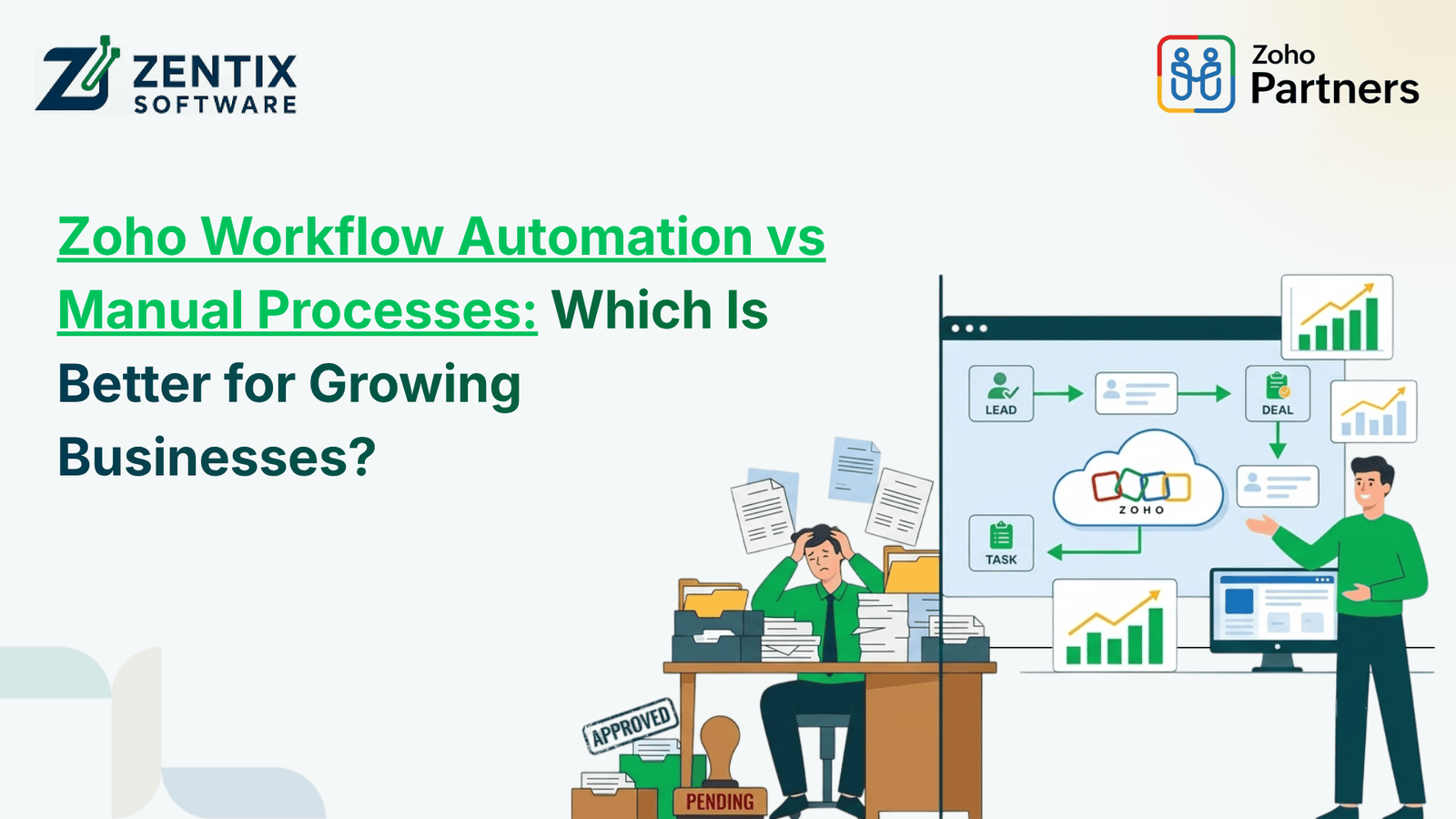
Growing a business is exciting. Growth brings more tasks, more customers, more employees, more documents, more approvals, and more data to manage. What is easy for a small team can quickly become hard when the workload grows. This is where businesses often ask a question: Should they keep relying on manual processes, or should they move toward Zoho workflow automation?
Manual work may seem manageable in the beginning. Employees can send emails, update spreadsheets, approve requests, enter invoices, and process documents themselves. But as the business grows, repetitive work takes more time and creates more opportunities for delays and errors.
Automation changes this approach by letting routine tasks happen automatically when a predefined trigger or condition is met. Zoho Flow, for example, can connect applications. Automatically move information between them, which cuts down the need for repetitive manual updates.
What Is Zoho Workflow Automation?
Zoho workflow automation is the use of automated workflows to handle repetitive business activities with minimal human intervention. A workflow generally starts with a trigger and then performs one or more actions.
For example, when a new employee joins a company, an automated workflow could:
Create or update the employee record
Notify the relevant department
Start onboarding tasks
Send required documents
Update connected systems
This type of automation can be applied across sales, finance, HR, customer service, and operations. Zoho People, for instance, supports workflows based on events such as creating, editing, approving, or rejecting records.
What Happens With Manual Processes?
Manual processes depend heavily on employees remembering what needs to be done and completing each step themselves.
Consider invoice processing. A finance employee may receive an invoice, check its details, forward it for approval, update a spreadsheet, enter the information into accounting software, and then send a payment request.
When the number of invoices is small, this may not feel like a problem. But imagine doing the same thing for hundreds of invoices every month.
The same challenge appears in HR, sales, customer support, and administration.
Manual processes can lead to:
Repeated data entry
Missed follow-ups
Approval delays
Human errors
Scattered information
Higher administrative workload
Difficulty tracking process status
Zoho Workflow Automation vs Manual Processes
The difference becomes clearer when both approaches are compared side by side.
Business Area | Manual Process | Zoho Workflow Automation |
Lead follow-up | Employees remember to follow up | Follow-ups can be triggered automatically |
Employee onboarding | HR manages individual checklists | Tasks and notifications can be automated |
Invoice approvals | Emails and manual reminders | Requests can move through predefined workflows |
Data entry | Information is entered repeatedly | Data can move between connected applications |
Document processing | Employees read and enter information | AI and automation can extract and process data |
Reporting | Reports are prepared manually | Recurring reports can be scheduled |
Notifications | Employees send updates individually | Alerts can be triggered automatically |
Scaling | More work usually means more manual effort | Workflows can handle increased volumes |
The main advantage is consistency. Once a workflow has been properly configured, routine steps can happen automatically instead of depending on someone remembering them.
How Automation Helps Zoho Finance Operations
Finance departments deal with repetitive and detail-heavy tasks every day. Things like invoice processing, managing expenses, getting approvals,s sending payment reminders, rs and creating reports can take up a lot of employee time.
By using Zoho Finance tools with connected workflows, companies can cut down on manual work. For instance, a finance workflow can be set up to alert the person when an invoice needs approval. After approval,l the system can move to the next step automatically.
This doesn’t mean all financial decisions should be handled by machines. Human oversight is still needed for high-value transactions. The real goal is to automate the tasks so teams can focus on what really requires their judgment and experience.
How Automation Supports Zoho HR
HR teams handle a lot of tasks like hiring new people and helping them get started,d managing time off, and keeping workers informed.
Zoho HR workflows can make it easier to manage these tasks and cut down on the need for checking. For instance,e when someone starts a job, ob the right people can get alerts, and the necessary steps can start on their own. Zoho's HR workflow features can help with activities like onboarding workers, handling time off, tracking attendance, processing pay,y and looking at job performance.
This is really useful when the number of employees goes up. HR should focus more on helping workers and making work better of always looking at spreadsheets or sending reminder emails.
The Role of Zoho AI Document Processing Solutions
Documents are another area where manual processes can become a bottleneck. Businesses regularly deal with invoices, receipts, forms, PDFs, contracts, and other documents.
Zoho AI Document Processing Solutions can help automate the extraction and handling of information from documents. Zoho RPA, for example, supports AI-powered document processing for extracting information from PDFs and images and turning it into usable digital data.
This can be particularly useful when employees spend hours copying information from documents into business systems.
Instead of treating every document as a completely manual task, businesses can create a process where:
A document is received.
Relevant information is extracted.
The information is checked against predefined conditions.
The appropriate workflow is triggered.
Employees review exceptions when necessary.
This approach combines automation with human oversight.
Is AI Business Automation Better Than Manual Work?
For growing businesses, AI business automation can provide significant advantages when it is applied to the right processes.
However, automation should not be introduced simply because a task can be automated. Businesses should first identify repetitive, rule-based activities that consume employee time without adding much strategic value.
Good candidates include:
Repetitive data entry
Routine notifications
Approval routing
Document data extraction
Employee onboarding tasks
Scheduled reports
Lead follow-ups
Recurring administrative tasks
AI can take automation a step further by helping systems classify information, generate content, summarize data, or support decisions within workflows. Zoho Flow's newer AI capabilities, for example, allow workflows to incorporate AI-powered actions.
When Should a Growing Business Choose Automation?
Not every company needs to automate everything immediately. A practical approach is to start with processes that are repetitive, time-consuming, and easy to define.
A business should seriously consider automation when:
Employees spend too much time on repetitive work.
Approvals frequently get delayed.
The same information is entered into multiple systems.
Customers are waiting for routine responses.
Managers lack visibility into ongoing processes.
The business is growing faster than its existing administrative capacity.
Start with one or two high-impact workflows, measure the results, and then expand automation gradually.
Final Verdict: Choose Smarter Automation for Sustainable Growth
Manual processes can be fine for a business, but when workloads, customers, employees, and transactions grow,w they become hard to manage. Zoho workflow automation helps growing businesses keep things organized, ed finish tasks faster, and make operations smoother.
When you pair Zoho Finance, Zoho HR, AI tools, and connected workflows, businesses cut out manual tasks. That lets employees focus on decisions and human‑centered work.
At Zentrix Software, we help businesses spot which processes deserve automation and then build Zoho solutions that fit their needs. Want to make financor e HR easier, automate paperwork,k or use AI for business automation? My team can design a real‑world automation plan for you.
Do you want to cut work and make business processes more efficient? Contact Zentrix Software today. Book a live demo to see the perfect Zoho automation solution for your company.