
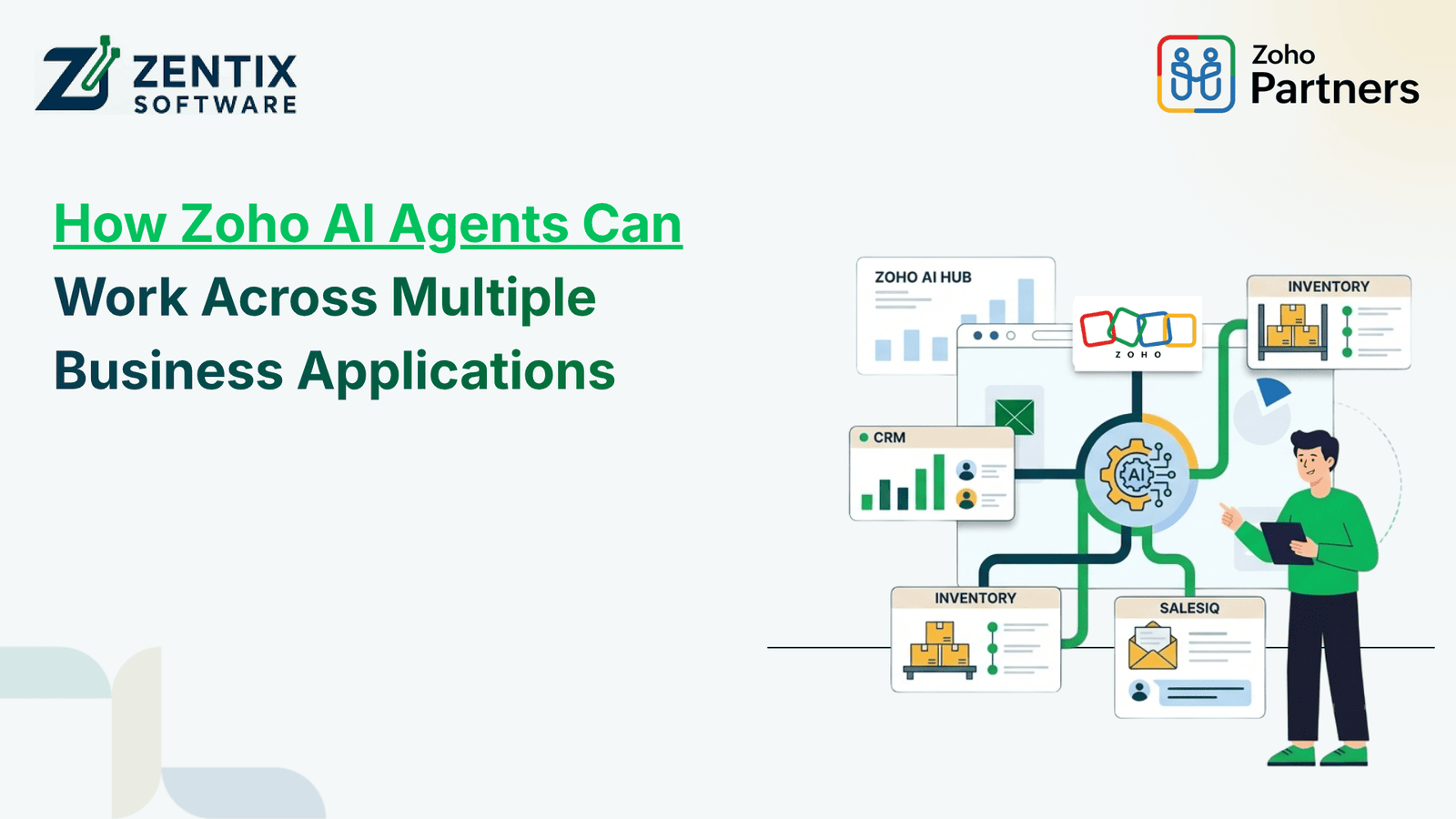
Businesses rarely operate from a single application. Sales teams may use CRM, finance teams work with accounting systems, support teams manage service requests, and operations rely on custom applications and workflow tools. When these systems work independently, employees often spend time moving information between applications and completing repetitive tasks manually.
Zoho AI Agents can help change this approach by combining artificial intelligence with business workflows. In Zoho Creator, AI Agents can be configured with instructions and tools such as Deluge functions, allowing them to analyze situations, make decisions, and execute multiple tasks in sequence. Zoho also supports AI-powered chat experiences that can connect users with application data and invoke linked AI Agents for more complex operations.
What Are Zoho AI Agents?
An AI agent is more than a conventional rule-based automation. Traditional automation generally follows predefined conditions: when an event occurs, perform a specific action. An AI agent can interpret a request, understand the context, select the appropriate tools, and coordinate multiple actions based on its instructions.
Zoho Creator's AI Agent capability allows businesses to define the agent's purpose and provide the functions it needs to perform tasks. The agent can then plan and execute those tasks sequentially according to the defined requirements.
This makes AI agents useful for processes where decisions, data retrieval, and multiple steps are involved.
How Can an AI Agent Work Across Business Applications?
The real value of an AI agent comes from connecting it to the systems involved in a business process.
For example, consider a sales-to-finance workflow:
A new customer inquiry is received.
Customer information is checked in the CRM.
The customer's order or quotation details are retrieved.
Relevant inventory information is checked.
A quotation is generated.
Finance receives the required information.
The system creates a follow-up task for the sales team.
Instead of employees manually moving information between applications, an AI-driven workflow can coordinate these steps using configured integrations, APIs, functions, and workflows.
Zoho Creator provides a foundation for this type of orchestration through app data, APIs, Zoho integrations, custom functions, and workflow logic.
Zoho AI Agents and Workflow Automation
Workflow automation traditionally focuses on predictable processes. AI agents extend this concept by adding contextual decision-making.
For example, a standard workflow might send every new support ticket to the same department. An AI agent could analyze the ticket information, identify the request type, and determine which configured action to perform.
Possible applications include:
Categorizing customer inquiries
Checking customer information
Creating or updating CRM records
Generating follow-up tasks
Retrieving business data
Triggering approval processes
Sending notifications
Coordinating information between applications
Generating reports or summaries
The goal is not to replace every existing workflow. Instead, AI can be introduced where a process requires interpretation or multiple decisions, while conventional automation can continue handling straightforward rules.
Connecting Zoho Applications Through AI
A connected Zoho environment can bring together applications such as CRM, Books, Desk, Creator, and other business systems.
For example, an AI agent could receive a request such as:
“Check this customer's account, review the open support issues, and prepare the information needed for the sales team.”
Depending on the configured integrations and permissions, the process could involve retrieving CRM information, checking support records, processing the relevant information, and presenting the result to the user.
Zoho Creator's documentation also describes cross-application capabilities through linked AI Agents and integrations. Chat Agents can identify user intent and invoke appropriate linked agents when a request requires more complex, multi-step operations.
Building a Secure AI Chatbot with RAG
AI agents can also be combined with knowledge retrieval to create more useful business assistants.
A secure AI chatbot with RAG (Retrieval-Augmented Generation) can retrieve relevant information from approved business knowledge sources before generating an answer. Instead of relying only on the language model's general knowledge, the chatbot can use selected documents, databases, FAQs, policies, or internal information as context.
For businesses, this approach can be useful for applications such as:
Internal employee support
Customer service
Product information
Policy and process queries
Technical support
Knowledge-base search
Security should remain part of the architecture. Access permissions, approved data sources, authentication, data handling, and confirmation steps should be considered before allowing an AI system to retrieve or modify business information.
Zoho's current Creator documentation notes that Chat Agents operate within configured access levels and permissions, while changes to records require confirmation before they are applied.
Benefits of Using Zoho AI Agents
Businesses implementing AI agents across connected applications can potentially reduce repetitive manual work and create more consistent processes.
1. Less Manual Data Movement
Information can be retrieved and processed through connected workflows rather than repeatedly copied between systems.
2. Faster Business Processes
Multi-step tasks can be coordinated more quickly when the required tools and workflows are already connected.
3. Better Contextual Decisions
AI agents can analyze information and select configured actions based on the situation rather than following only one fixed path.
4. Improved Employee Productivity
Employees can spend less time searching for information or performing repetitive administrative tasks.
5. Scalable Automation
Businesses can start with one process and gradually extend AI automation to additional workflows and applications.
How to Implement Zoho AI Agents Successfully
A successful implementation starts with the business process rather than the AI technology.
First, identify a process involving repetitive work, multiple applications, and clearly defined business outcomes. Next, determine which information the agent needs and which actions it should be allowed to perform.
Then define:
Agent instructions and objectives
Connected applications and data sources
Available functions and integrations
User permissions
Approval or confirmation requirements
Error-handling rules
Monitoring and performance metrics
It is also important to avoid using AI where simple automation is sufficient. Zoho's own guidance highlights the value of using AI agents for multi-step tasks while relying on standard workflows and logic for straightforward processes.
Transform Your Zoho Workflow with Intelligent Automation
Connecting multiple business applications is only one part of successful AI automation. The workflows, permissions, integrations, and business logic behind the agent need to be designed carefully.
At Zentix Software, we help businesses explore Zoho solutions, integrations, automation, and custom application development based on their operational requirements. With extensive Zoho experience, our team can help identify where AI agents and workflow automation can fit into your existing business processes.
Ready to explore AI-powered automation for your business?
Get expert recommendations. Book Your Live Demo Now and discover how Zoho AI Agents can help connect your applications, automate multi-step processes, and create more intelligent business workflows.