
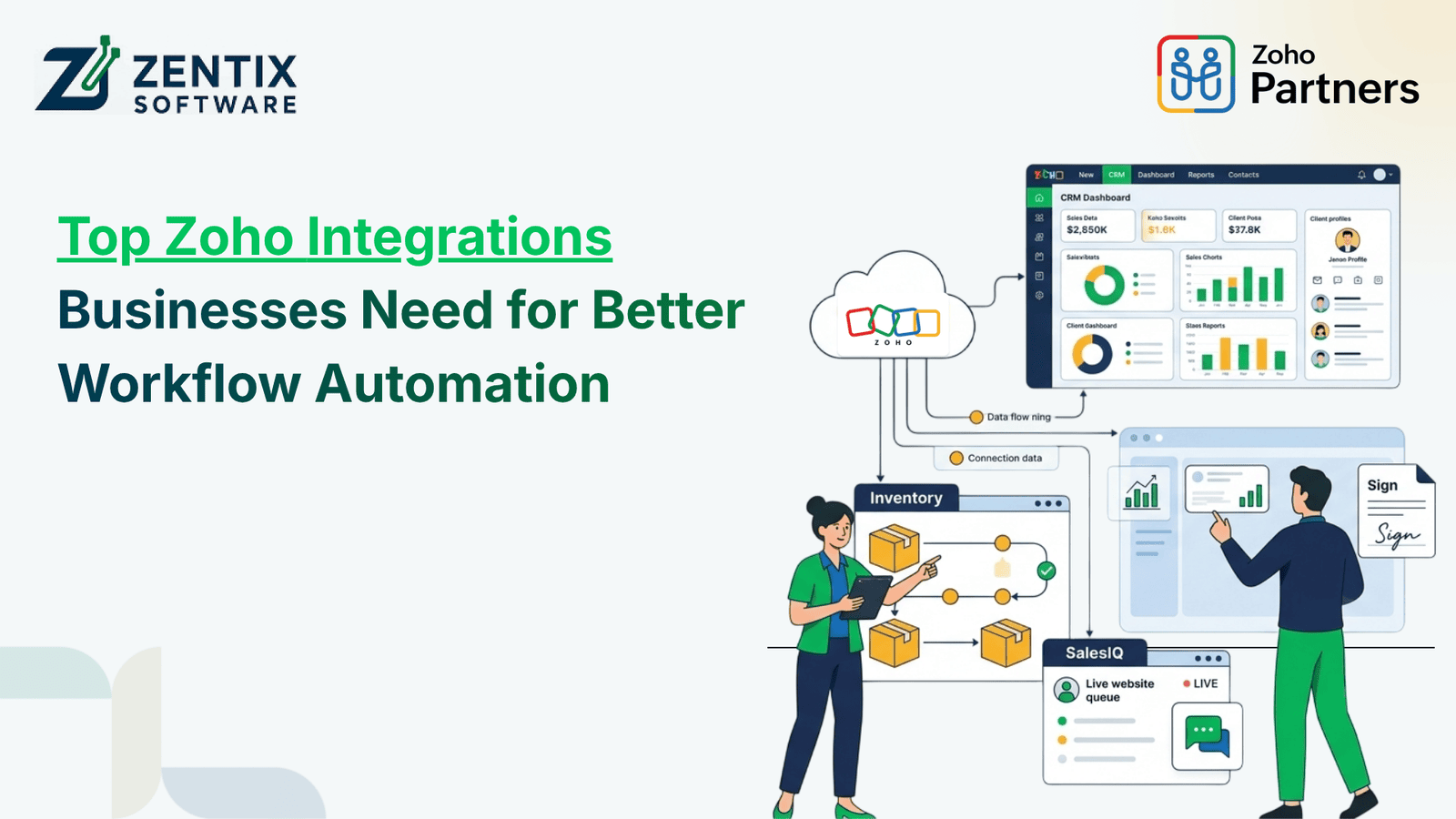
Many of today's businesses are running various applications – sales apps, communicating with customers, finance and accounting, HR and storage, along with day-to-day operations. When those applications are disconnected, your employees can be bogged down with flipping back and forth and manually updating as they go, following up personally. Zoho integrations can help you link those business applications and make your workflow flow more smoothly.
By linking a couple of these Zoho tools, like CRM, email, ERP, HR, storage, and collaboration applications, you can automate your workflow and pass information to the right people at the right time. There's no one-size-fits-all solution, but here are a few best applications to help you integrate your Zoho ecosystem.
Why Are Zoho Integrations Important for Workflow Automation?
Workflow automation becomes more effective when the applications involved in a business process can communicate with each other. Instead of manually transferring information from one system to another, integrated applications can trigger actions based on predefined conditions.
For example, when a new lead enters Zoho CRM, an automated workflow can assign the lead to a salesperson, create a follow-up task, send an email notification, or update relevant information. Zoho CRM supports workflow rules, email notifications, tasks, field updates, webhooks, and custom functions for automating business processes.
Integrations can therefore help businesses:
Reduce repetitive data entry
Keep information synchronized between applications
Improve communication between departments
Reduce delays in routine processes
Create more consistent customer experiences
Give teams access to relevant information from connected systems
1. Zoho CRM Integrations for Sales and Customer Management
Zoho CRM is often at the center of a connected business workflow because customer information can interact with sales, marketing, communication, and support processes.
A CRM integration can connect customer records with other applications and help automate activities throughout the customer journey.
For example, businesses can create workflows where:
A new lead automatically receives a follow-up task.
Customer information is shared with another connected application.
Sales updates trigger internal notifications.
Follow-up activities are automatically scheduled.
Customer interactions can be maintained in a centralized record.
Businesses using multiple sales and customer-facing tools can also connect Zoho CRM with external applications through supported integrations, APIs, webhooks, and automation tools.
This creates a more connected process instead of requiring sales teams to switch between disconnected systems.
2. Email, Storage, and Collaboration Integrations
Email and file management are part of almost every business workflow. When communication and documents remain separate from customer or operational systems, employees may need to search through different platforms to find information.
Connecting Email, Storage, and Collaboration tools with Zoho applications can help teams manage communication and documents within a more connected workflow.
For example, an organization may connect customer-related activities with email communication, shared files, calendars, and collaboration tools. This can make it easier for teams to access relevant information while working on leads, projects, or customer requests.
A connected workflow can help with:
Email communication and follow-ups
Document sharing
Calendar coordination
Internal collaboration
Customer-related file management
Centralized access to business information
The goal is not simply to connect more applications. The objective is to make information available where employees need it and reduce unnecessary manual movement between systems.
Read More:Empowering India’s Digital Future: Zoho’s Home-Grown Technology for Sovereignty
3. Zoho Service Integrations for Customer Support
Customer service workflows often involve several steps, including receiving a request, assigning it to the appropriate team member, tracking its progress, and communicating updates to the customer.
Zoho Service integrations can connect customer support activities with other business processes.
For instance, customer information from a CRM system can support service teams when they need context about an existing customer. A support workflow can also trigger notifications, task assignments, or updates when specific events occur.
This can help businesses create a more connected experience between sales and service teams.
Common automation opportunities include:
Creating service tasks from customer requests
Assigning tickets based on predefined conditions
Sending automated notifications
Connecting customer information with support records
Keeping sales and service teams aligned
When support information is connected with other business applications, employees can spend less time looking for customer details and more time addressing the actual request.
4. Zoho ERP Services for Finance and Operations
Finance and operational information often needs to move between departments. Sales teams may need information about orders or accounts, while finance teams may require customer and transaction information.
Zoho ERP Services can be integrated into broader business workflows to connect operational and financial processes.
For example, integrating ERP and CRM systems can allow relevant customer and accounting information to be accessed across both systems. Zoho's documentation describes CRM and ERP integration as a way to make customer and accounting information available across sales and finance workflows.
Depending on the business process, integration can support areas such as:
Customer and account information
Sales and order data
Invoicing workflows
Financial information
Inventory-related processes
Reporting and operational visibility
This type of integration is particularly useful when different departments depend on the same business information but currently maintain it in separate systems.
Read More: Transforming Business Operations with Zoho ERP: A Complete Guide
5. Zoho HR Management Solutions for Employee Workflows
HR processes involve recurring activities such as employee onboarding, attendance, leave management, approvals, and internal communication. Managing these processes manually can create unnecessary administrative work.
Zoho HR Management Solutions can be connected with other Zoho applications to create more consistent employee workflows.
For example, when a new employee joins an organization, an automated workflow could initiate tasks for HR, IT, administration, and the employee's manager. Information can then move through the relevant stages without requiring every department to manually coordinate each step.
HR integrations can support workflows related to:
Employee onboarding
Leave and attendance processes
Approval workflows
Employee information
Internal notifications
HR-related task management
Connecting HR processes with other business functions can help organizations create a more structured employee experience while reducing repetitive administrative work.
6. Integrating Zoho with Third-Party Applications
Not every business uses only Zoho applications. Many organizations already depend on accounting platforms, payment systems, e-commerce platforms, communication tools, analytics software, or other specialized applications.
Zoho can be connected with external applications where an integration is supported or where a custom integration is appropriate.
Third-party integrations can help businesses:
Transfer data between systems
Trigger automated actions
Reduce duplicate data entry
Connect specialized business applications
Extend existing Zoho functionality
For more complex requirements, businesses may use APIs, webhooks, or custom development to connect systems according to their specific workflows. The reference material also highlights Zoho API-based custom integrations for connecting systems such as ERP, HR, and inventory platforms.
How to Choose the Right Zoho Integrations?
Adding integrations without understanding the underlying workflow can create unnecessary complexity. Businesses should first identify where information currently gets delayed, duplicated, or manually transferred.
Consider these questions before implementing an integration:
Identify Repetitive Tasks
Look for activities that employees perform repeatedly, such as copying customer details, sending routine notifications, updating records, or creating follow-up tasks.
Map the Complete Workflow
Understand which application starts the process, where the information needs to go, and what action should happen next.
Prioritize Business-Critical Integrations
Start with workflows that have a clear operational impact rather than connecting every available application.
Consider Data Accuracy and Security
Determine what information needs to be transferred, who should have access to it, and how data should be handled between connected systems.
Plan for Scalability
The integration should support future changes in business processes, applications, users, and data volumes.
What to Consider | What to Look For |
Identify Repetitive Tasks | Find tasks employees perform repeatedly, such as copying customer details, sending routine notifications, updating records, or creating follow-up tasks. |
Map the Complete Workflow | Identify which application starts the process, where the information needs to go, and what action should happen next. |
Prioritize Business-Critical Integrations | Start with workflows that have a clear operational impact instead of connecting every available application. |
Consider Data Accuracy and Security | Determine what information needs to be transferred, who should have access to it, and how data should be handled between connected systems. |
Plan for Scalability | Choose integrations that can support future changes in business processes, applications, users, and data volumes. |
How Zoho Integrations Improve Business Workflow Automation
The biggest benefit of Zoho integration is not simply having multiple applications connected. It is creating a workflow where each application contributes to the overall business process.
For example:
Lead Captured → Zoho CRM → Automated Assignment → Email Follow-Up → Sales Activity → ERP/Finance Process → Customer Service
Instead of treating each stage as a separate task, businesses can connect relevant applications and automate appropriate handoffs.
This can result in:
Less manual administration
Faster movement of information
Better visibility across departments
More consistent processes
Fewer opportunities for data-entry errors
Improved employee productivity
Build a Connected Zoho Ecosystem With the Right Integration Strategy
Each business has unique needs for applications, automation, and process design. An effective approach to integrating Zoho applications begins with gaining a deep understanding of the workflows and then selecting the Zoho systems and integrations needed to automate those workflows.
Zoho applications such as Zoho CRM and Zoho Service, along with ERP, storage, email, collaboration, and HR systems, can all come together to create a connected system from separate applications.
Learn more about how the Zoho experts at Zentix Software can help you assess your current processes, identify integration opportunities, and design an overall solution based on your needs.
Ready to connect your Zoho applications with your business workflows?Book a free live demo now with us.