
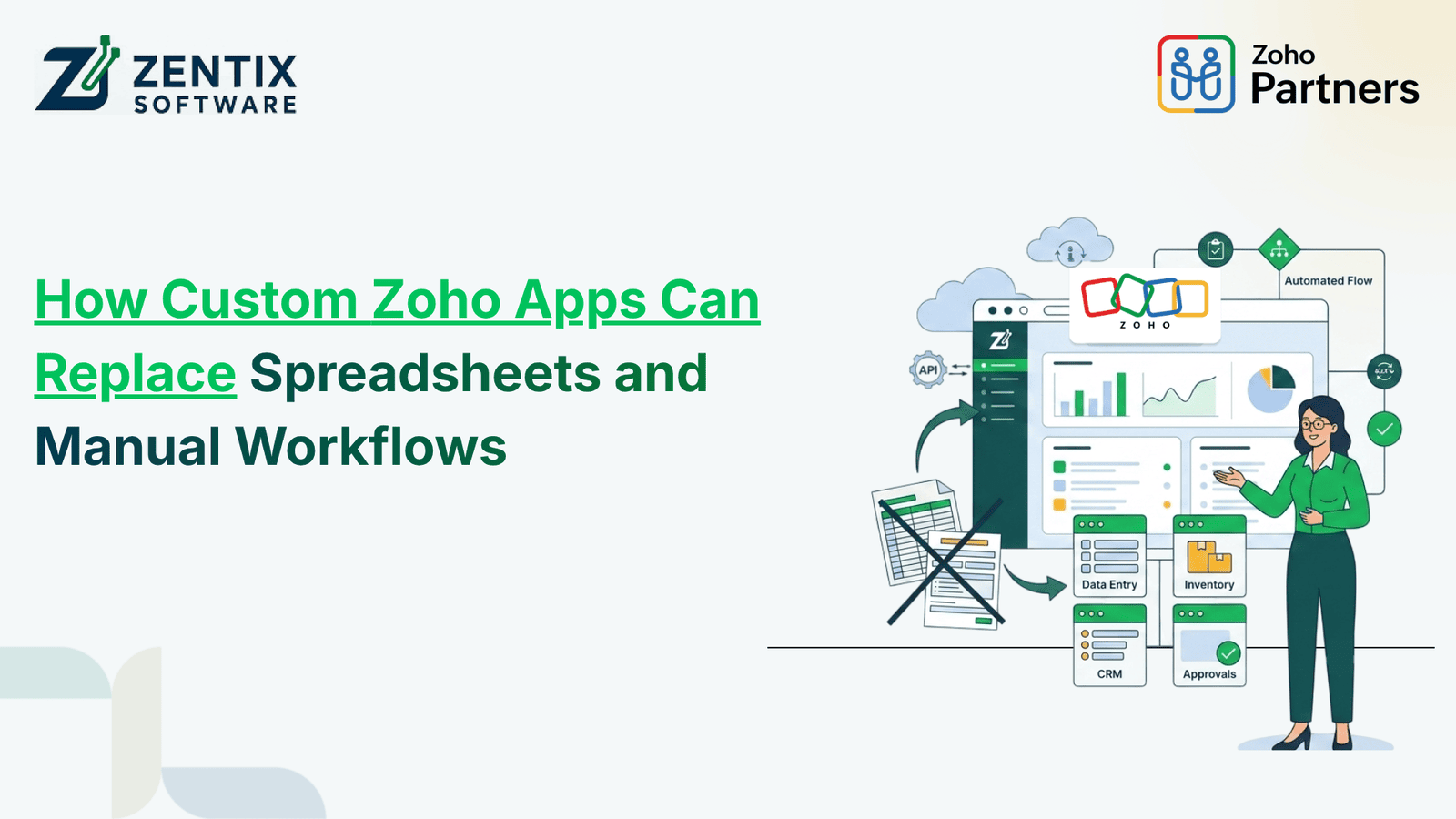
Spreadsheets are a way to keep business information organized, but they can get hard to handle as companies grow. Many people working on them repeating the data, asking for approvals, having the same information in more than one place, and updating things by hand can make a simple spreadsheet turn into a slow and messy process.
This is the point where Zoho Creator can step in and help companies go past spreadsheets and make applications that match their real-life processes.
With Zoho Creator, companies can make their forms, dashboards, reports, approval steps and automated tasks without relying on complicated spreadsheets. When combined with workflow automation, Zoho integration, and custom Zoho App Development, companies can cut down on work and make their business processes more connected.
Why Businesses Are Moving Beyond Spreadsheets
Spreadsheets are useful for basic record-keeping and calculations. However, they are not always the best solution for processes involving multiple employees, departments, approvals, and applications.
As a business grows, spreadsheet-based workflows can create problems such as:
Repetitive manual data entry
Duplicate or outdated information
Spreadsheet version-control issues
Manual approval processes
Increased risk of data-entry errors
Difficult collaboration between departments
Time-consuming reporting
Limited automation capabilities
Difficulty connecting data with other business applications
For example, a company may use one spreadsheet to manage sales leads, another for customer information, and a third for follow-ups. Employees may have to manually move information between these files.
A custom application can bring these processes together and reduce unnecessary administrative work.
How Zoho Creator Can Replace Spreadsheet-Based Processes
Zoho Creator is a low-code application development platform that allows businesses to build applications based on their specific operational requirements.
Instead of managing information through rows and columns, businesses can create an application with forms, reports, dashboards, user permissions, workflows, and automation.
For example, a business managing customer enquiries through a spreadsheet could develop a custom application with:
Lead capture forms
Automated lead assignment
Follow-up reminders
Customer records
Sales status tracking
Approval workflows
Real-time reports
Performance dashboards
Employees can work within a centralized application instead of constantly updating multiple spreadsheets.
This makes Zoho Creator particularly useful for businesses looking to replace repetitive spreadsheet-based processes with more structured digital workflows.
Workflow Automation Reduces Manual Work
One of the biggest advantages of moving from spreadsheets to a custom application is workflow automation.
Many business activities follow a predictable sequence. A purchase request may require manager approval. A new enquiry may need to be assigned to a salesperson. An expense claim may need to pass through multiple approval stages.
When these activities are handled manually, employees may need to send emails, update spreadsheets, check statuses, and remind other team members.
With workflow automation, these actions can happen automatically based on predefined business rules.
For example:
New Request → Automatic Assignment → Approval → Notification → Status Update
A Zoho Creator application can be configured to trigger notifications, update records, assign tasks, or initiate the next step when a specific condition is met.
This allows employees to spend less time on repetitive administrative tasks and more time on productive work.
Zoho Integration Connects Your Business Data
Replacing spreadsheets is only one part of improving business processes. Businesses also need their different systems to work together.
Through Zoho integration, a custom application can connect with other Zoho applications and business tools where appropriate.
For example, a business could connect a custom application with:
Zoho CRM
Zoho Books
Zoho Inventory
Zoho People
Zoho Analytics
Other third-party applications through available integration options
Consider a business that receives an order through a custom application. Instead of manually entering the same information into another system, an integrated workflow can transfer relevant information between connected applications.
The result is a more connected process:
Custom App → Workflow Automation → Zoho Integration → Updated Business Records
This can reduce duplicate data entry and improve consistency across departments.
What Business Processes Can Zoho Creator Automate?
Zoho Creator's flexibility lets businesses develop applications for many operational needs.
1. Sales and Lead Management
Businesses can create custom applications to capture leads, assign them to sales representatives, schedule follow-ups, and monitor lead status.
Automated reminders can also help sales teams stay on top of pending activities.
2. Inventory and Purchase Management
Companies can create applications for stock requests, purchase orders, supplier information, inventory movement, and approval processes.
Instead of maintaining separate spreadsheets, teams can manage relevant information through a centralized system.
3. Employee Requests
Employee-related processes such as leave requests, expense claims, asset requests, and onboarding activities can be managed through custom forms and automated approval workflows.
4. Project and Task Management
A custom application can help teams track projects, tasks, deadlines, assigned employees, and progress.
Managers can also use dashboards to monitor project performance without manually consolidating information from multiple spreadsheets.
5. Approval Workflows
Businesses can automate processes that require approvals, including:
Purchase requests
Expense claims
Discounts
Leave requests
Vendor onboarding
Quotations
Internal requests
The workflow can automatically route each request to the appropriate person based on predefined rules.
Zoho App Development Offers More Flexibility
Every organization has its own way of working. Standard business applications may not always match a company's specific processes.
This is where Zoho App Development can provide additional flexibility.
With custom Zoho App Development, businesses can build applications around their existing workflows instead of forcing employees to adapt to a generic system.
For example, a company may start with a simple purchase request application. As requirements grow, the application can be expanded with:
Multi-level approvals
Supplier management
Automated notifications
Purchase tracking
Reporting dashboards
Inventory integration
Finance-related integrations
This approach allows businesses to gradually digitize their processes instead of attempting to replace every existing system at once.
When Should You Replace a Spreadsheet With a Custom Zoho App?
Not every spreadsheet needs to be replaced. A simple spreadsheet used by one person for basic calculations may be perfectly adequate.
However, businesses should consider Zoho Creator development when a spreadsheet becomes an important part of daily operations.
Some signs include:
Multiple employees regularly use the same spreadsheet
Employees repeatedly enter the same information
Data is copied between different spreadsheets
Approvals happen through email or messaging apps
Teams struggle with outdated information
Reports require significant manual effort
You need automated reminders and notifications
Multiple applications need to share information
Spreadsheet formulas and processes have become complicated
When these issues start affecting productivity, a custom application can provide a more scalable alternative.
Zoho Creator vs. Traditional Spreadsheet Workflows
The difference becomes clearer when comparing the two approaches.
Spreadsheet-Based Process | Zoho Creator-Based Process |
Manual data entry | Custom digital forms |
Multiple files | Centralized application |
Manual approvals | Automated workflows |
Manual notifications | Automated alerts |
Copy-paste between systems | Zoho integration |
Static reports | Dynamic dashboards |
Limited user controls | Role-based access |
Difficult to scale | Customizable and scalable |
The objective is not simply to replace a spreadsheet interface. It is to improve the complete business process behind it.
How AI Can Further Improve Low-Code App Development
Low-code development is also evolving with artificial intelligence. AI can support businesses and development teams by helping streamline application-building processes and improve how users interact with business applications.
If you are exploring the role of AI in modern application development, read our guide on AI Enhancing Low-Code App Development to learn more.
Businesses can also explore how Zoho Creator Low-Code Business Apps can help transform manual processes into customized digital solutions.
How to Start Replacing Spreadsheets With Zoho Creator
Businesses do not have to migrate every spreadsheet immediately. A practical approach is to identify the process that creates the most repetitive work or operational errors.
Start by asking:
Which spreadsheet is used most frequently?
How many employees depend on it?
How much information is entered manually?
Does the process require approvals?
Does the same data need to be entered into another system?
Would automated notifications save time?
What reports or dashboards does management need?
Once the process is identified, a Zoho Creator solution can be designed around the specific requirements.
Starting with one process also makes it easier to measure the impact of automation before expanding the solution to other departments.
Build Smarter Workflows With Zoho Creator
Spreadsheets can be a starting point. But growing businesses usually need more than rows, columns, and manual updates.
Zoho Creator gives a way to build customized applications that combine data management, workflow automation, reporting, and integrations. With the Zoho App Development approach, businesses can turn repetitive spreadsheet-based processes into structured digital workflows.
At Zentix Software, we help businesses develop and implement Zoho solutions based on their operational requirements. From Zoho Creator development and workflow automation to Zoho integration, our team can help you move from manual processes to more connected, efficient business operations.
Ready to replace repetitive spreadsheet work with a custom Zoho solution?Book Your Live Demo Now and discuss your business requirements with our Zoho experts.