
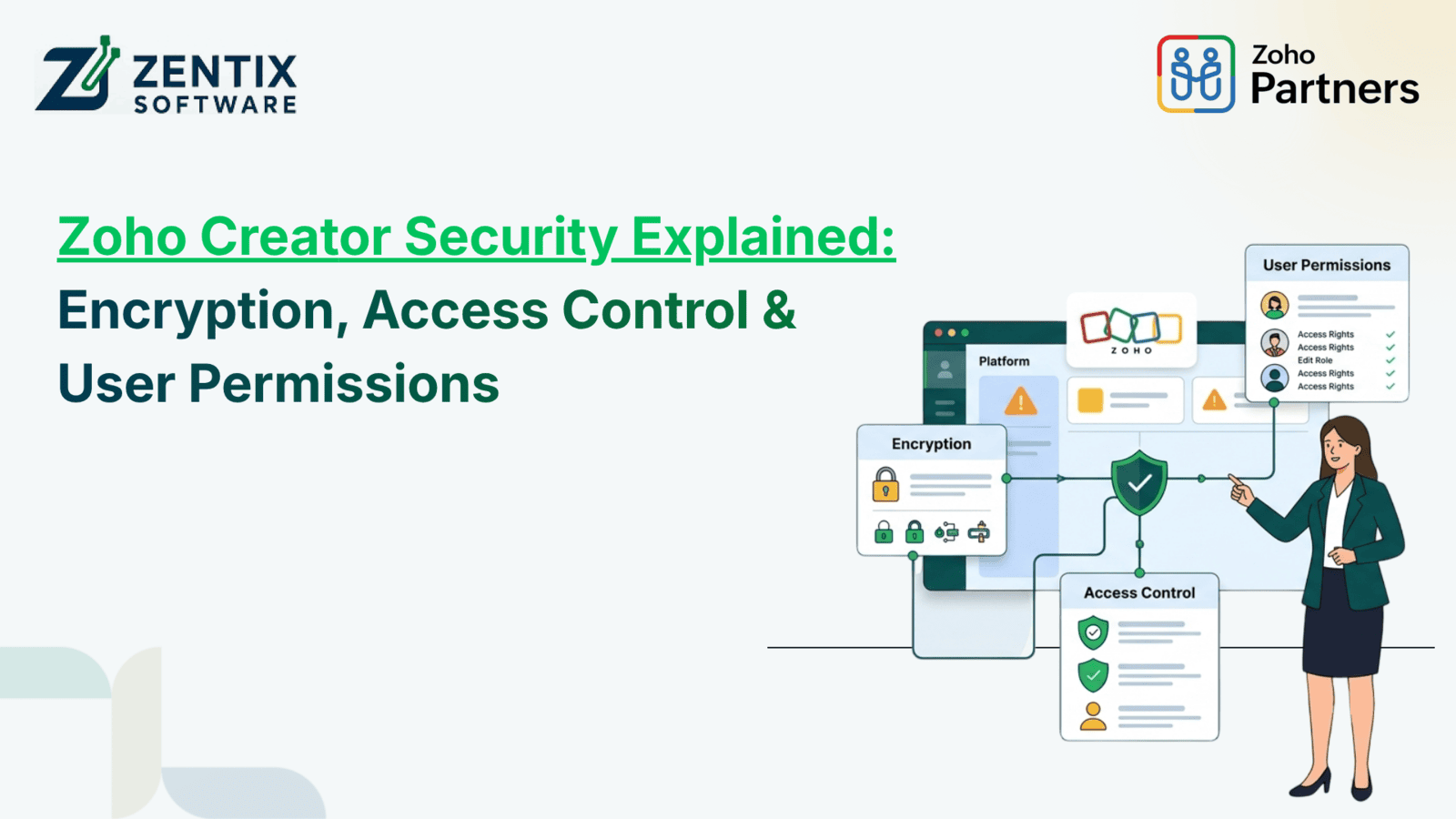
With organizations digitizing many of their functions, the importance of application security has increased tremendously. Businesses keep customer details, employee details, financial information, sales information, and other operational information in applications. Hence, it is necessary to use a platform that is flexible and highly secure.
Zoho Creator is a low-code platform for building applications and automating the processes of the organization. Apart from app development, it also offers features like data encryption, role-based access control, permissions, authentication methods, and integration controls for securing the applications.
Organizations using Zoho Creator should be aware of the security features to avoid giving away unnecessary information through applications.
What Makes Zoho Creator Security Important?
A business application may have different types of users, from administrators and managers to employees, customers, and external partners. Not every user needs access to every record or feature.
Zoho Creator allows organizations to control access based on users, roles, permissions, and data requirements. Its security model follows principles such as role-based access control and least-privilege access, helping organizations limit information to authorized users.
This becomes especially important when an application handles:
Customer and contact information
Employee records
Financial information
Internal business processes
Personally identifiable information
Sales and operational data
Information shared through integrations
Zoho Creator Encryption: Protecting Business Data
The encryption technique is one of the fundamental building blocks of application security. The process protects data in such a way that any third party cannot easily interpret the information while storing and transmitting it.
As per the documentation provided by Zoho, Zoho Creator uses encryption for the protection of data and offers encryption of sensitive fields. Companies can use encrypted data fields for the handling of sensitive, confidential, or personally identifiable information.
Data transfer is also done by encrypting data using TLS protocols. Zoho mentions that the connections made to their servers are done using TLS 1.2/1.3.
For companies, this implies that they should not leave security to the last minute; i.e., they should consider security issues at the application development stage itself.
Access Control in Zoho Creator
One more significant aspect of Zoho Creator's security is access control.
Let's consider a corporation that uses some custom-built application to manage employees. The HR department will have to access the information about all the employees, but the manager of some department will have access to the information about his/her team only. Some regular employees will have access to the information about themselves only.
It will be unnecessary to provide everyone with administrator access rights because it will increase the risk.
Instead, it is possible to build an access control structure depending on responsibilities. There are options for role-based access control and precise user permissions in Zoho Creator.
Thus, organizations can decide what users can use particular data and functionalities of applications. It is possible to follow the principle of least privilege here.
Related Reads:Zoho Creator Security Best Practices for 2026: A Complete Guide
Understanding User Permissions
User permissions determine what different users can see and do inside an application.
Zoho Creator provides permission controls at different levels, including modules, records, features, and fields. For example, permissions can determine whether a user can view, create, edit, or delete records.
Businesses can create permission structures such as:
User Role | Access Level |
Administrator | Full application management |
Manager | Access to relevant team records and reports |
Employee | Limited access to assigned information |
Customer | Access only to their own records through a portal |
This level of control makes Zoho Creator useful for applications where different groups need different levels of access.
Permission sets can also control API access and access to personally identifiable information, giving administrators another layer of control over sensitive data.
Secure Zoho Integration
Modern business applications rarely work alone. They often need to exchange information with CRM, accounting, payment, communication, or other business systems.
This is where Zoho integration becomes important.
Zoho Creator supports integrations with Zoho applications as well as third-party services. Its connections provide an authorization mechanism for applications to exchange data with external services.
For example, a business could build a custom application in Creator and connect it with Zoho CRM. When configuring a connection, organizations can determine the required authorization and scopes instead of giving an integration unrestricted access. Zoho documentation describes scopes as defining the level of access granted for operations such as creating, reading, updating, and deleting data.
This makes secure Zoho integration an important part of application planning.
How Low-Code App Solutions Support Security
Security does not have to mean making application development unnecessarily complicated.
Modern Low-Code App Solutions allow businesses to build applications using visual development tools while still providing controls for users, data, workflows, and integrations. Zoho Creator combines visual development with options for professional developers to extend applications through APIs, functions, and other developer tools.
For businesses, this can reduce development time while allowing security requirements to be considered as part of the application architecture.
However, low-code does not mean "security happens automatically." Developers and administrators still need to configure permissions correctly, review integrations, protect sensitive fields, and remove unnecessary access.
Related Reads:From Legacy to Low-Code: Zentix Software’s Approach to Zoho Creator App Development
Best Practices for Securing a Zoho Creator Application
Building a secure application requires more than enabling encryption. Consider these practical steps:
1. Follow the Least-Privilege Principle
Give users only the access required for their responsibilities. Review administrator accounts regularly and remove unnecessary permissions.
2. Create Role-Based Permissions
Define clear roles before building the application. Decide what each role can view, create, edit, delete, import, export, or administer.
3. Protect Sensitive Fields
Identify personal and confidential information and apply appropriate field-level security and encryption where required.
4. Review Integrations
Every Zoho integration should be reviewed carefully. Use only the scopes and authorization levels required by the business process.
5. Review Access Regularly
Employees change departments, responsibilities change, and some users leave organizations. Regular permission reviews can prevent outdated access from remaining active.
6. Separate Development and Production
When building custom applications, use controlled development and testing processes before changes reach production. This helps reduce the possibility of security or configuration mistakes affecting live data.
Zoho Creator Security and Low-Code App Solutions
One of the factors that makes the business have to take into account, other than development speed, is security. The platform has to be flexible, yet the administrators have sufficient control over the users, data, integrations, and application access.
Zoho Creator allows businesses to combine application development with role-based permissions, the choice of encrypted data, integrations control, and enterprise security.
It all comes down to the implementation part, though. A secure platform requires an effective application architecture and permission configuration.
Final Thoughts
Zoho Creator provides businesses with a practical foundation for building secure custom applications without relying entirely on traditional development approaches. Encryption helps protect sensitive information, access controls help restrict users, and detailed permissions help organizations decide who can access specific data and functions.
When combined with properly configured Low-Code App Solutions and secure Zoho integration, businesses can create applications that support both operational efficiency and responsible data management.
At Zentix Software, we help businesses plan and implement Zoho-based solutions around their specific processes, integrations, and security requirements. Whether you are starting a new application or improving an existing one, the right architecture can make your Zoho environment more secure, scalable, and easier to manage.
Book Your Live Demo Now to explore how Zentix Software can help you build and optimize your Zoho Creator applications.